Dev portal
Sign up & login
Create your Dev portal account and log in. Your account is ready as soon as you register — there is no review step.
Open the Dev portal
Go to https://beta-developers.shoppinggate.app/dev. The portal opens on the Login screen. If you don't have an account yet, click Sign up for free.
Create an account
Fill in every field on the Sign Up form:
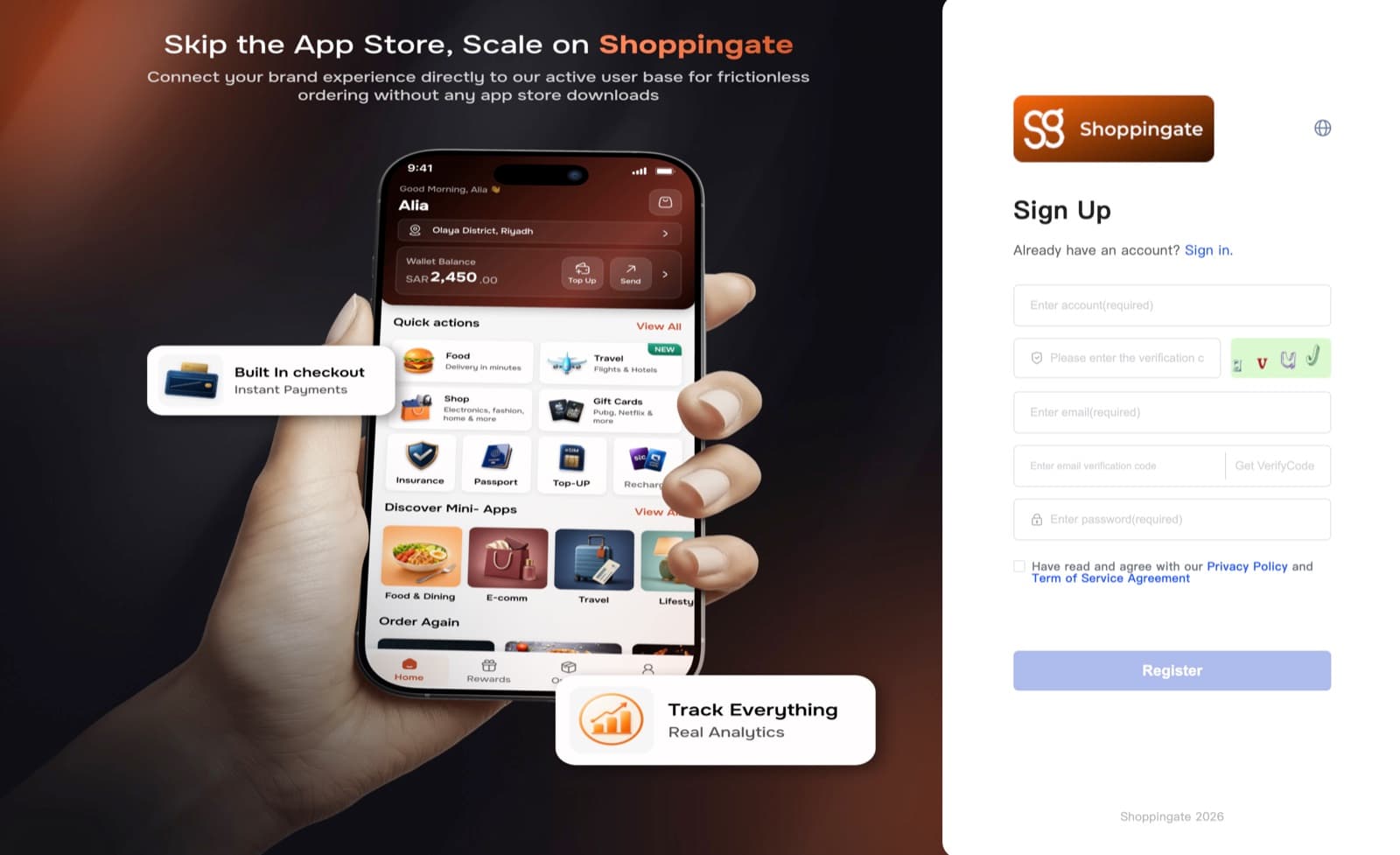
AccountRequired
Your company name. It cannot be changed after you register, so enter it exactly as you want it to appear.
Verification codeRequired
Type the characters shown in the picture next to the field. If sign-up fails, the picture changes automatically — type the new code before you try again.
EmailRequired
The email you will log in with. The email verification code is sent here.
Email verification codeRequired
Click Get VerifyCode and enter the code sent to your email. The code expires, so use it soon after you receive it. You can request a new code after 60 seconds.
PasswordRequired
At least 8 characters, including at least one number and one special character.
Tick Have read and agree with our Privacy Policy and Term of Service Agreement, then click Register.
Your account is created right away — no approval is needed. You can log in immediately.
Log in
On the Login screen, enter the email and password you registered with, then click Login.
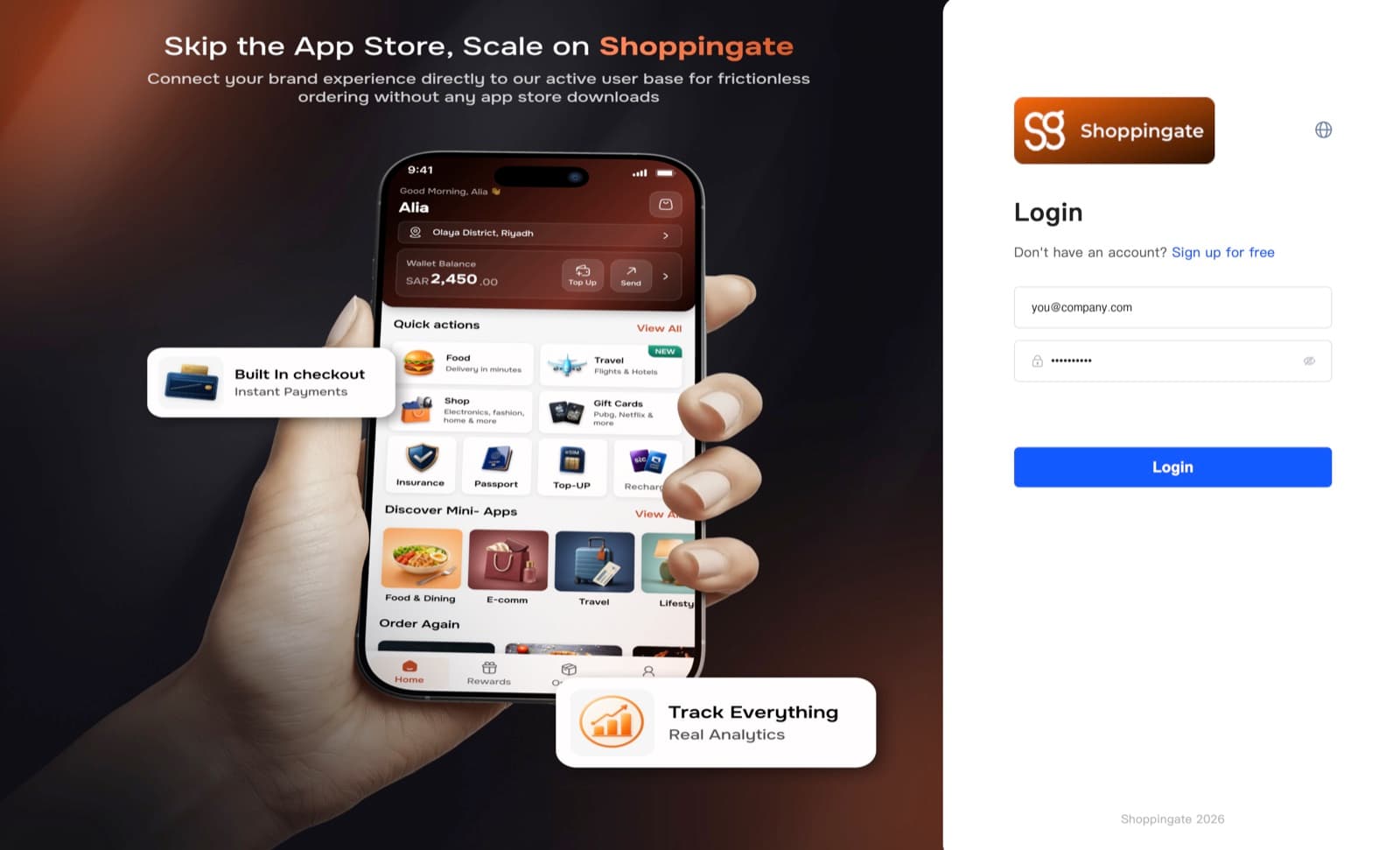
After you log in, the portal opens on the Workbench.
Forgot your password
There is no "Forgot password" link on the Login screen. To reset your password:
- Ask the Shoppingate admin for a new password.
- Log in with the new password the admin gives you.
- Change it to your own password after you log in.
Choose your Account name carefully. It is your company name and cannot be changed after you register.