SG Studio
Install & log in
Install SG Studio, connect it to the development server, and log in with your Dev portal account.
1. Install
Download SG Studio for your computer:
macOS · Apple SiliconStudio 3.0.3 · .dmg ↓macOS · IntelStudio 3.0.3 · .dmg ↓WindowsStudio 3.0.3 · .exe ↓
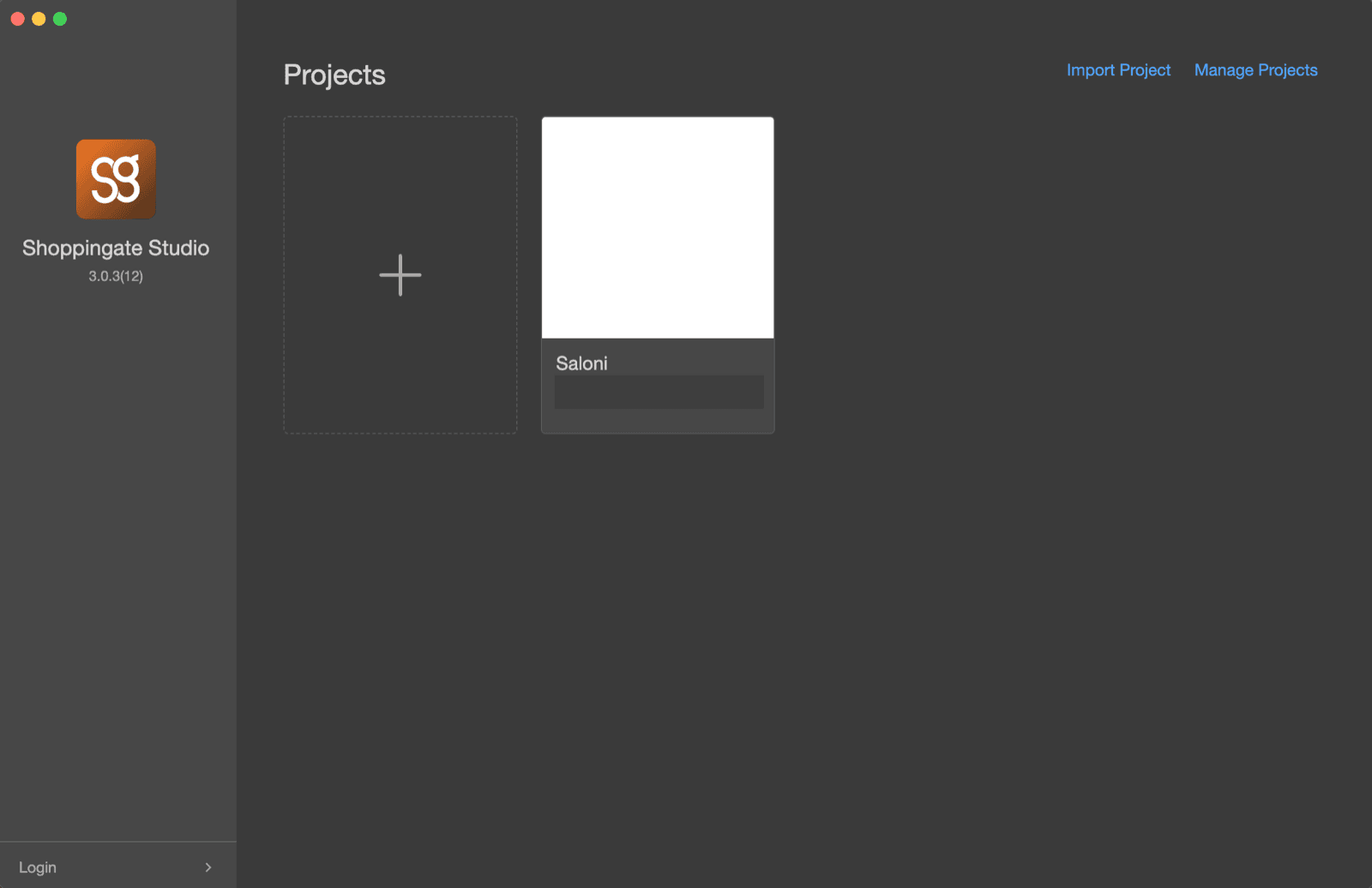
Install and open it. It opens on the Projects screen. Click Login in the lower left corner.
2. Choose the server
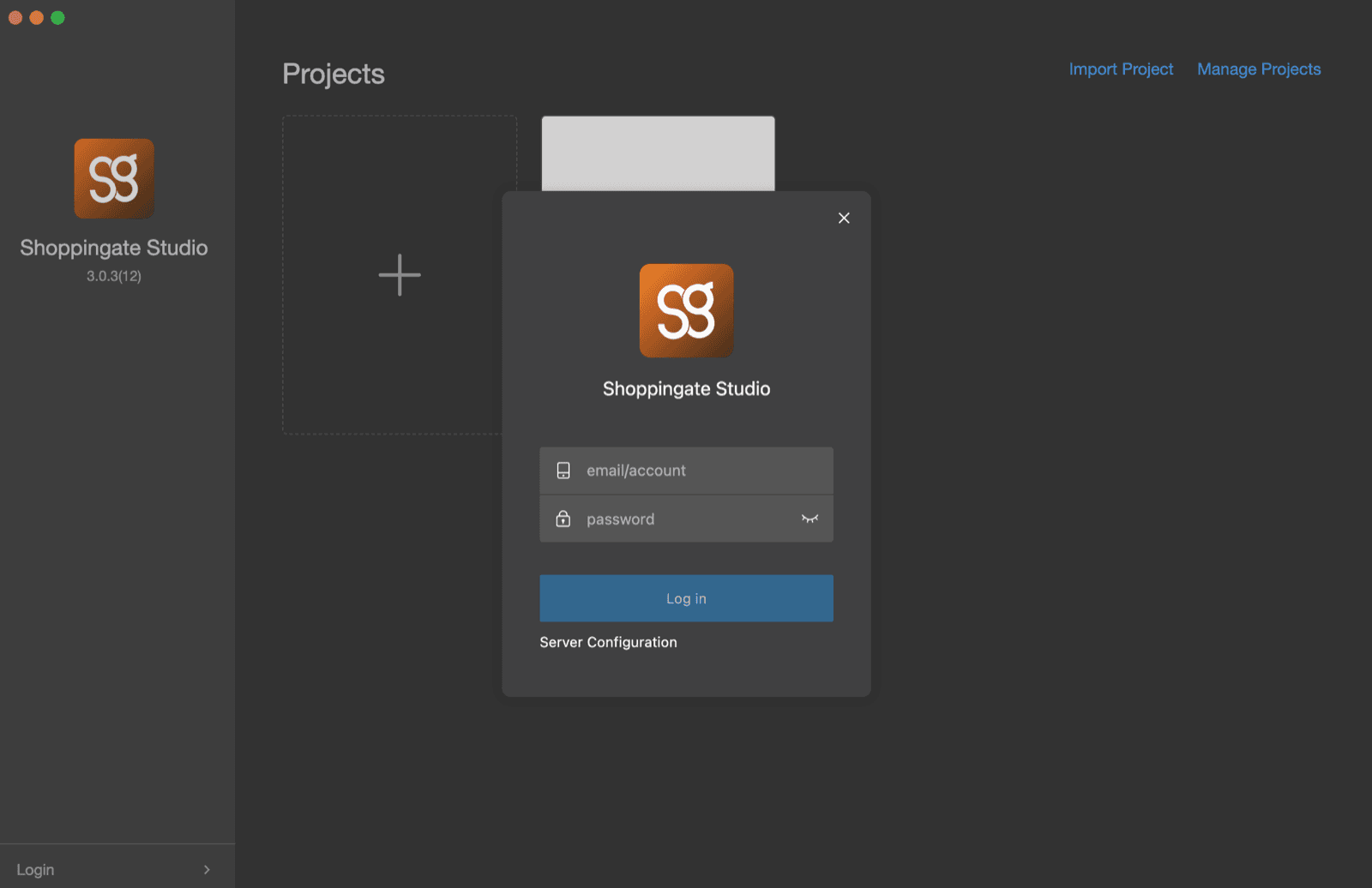
Before you log in, click Server Configuration under the Log in button.
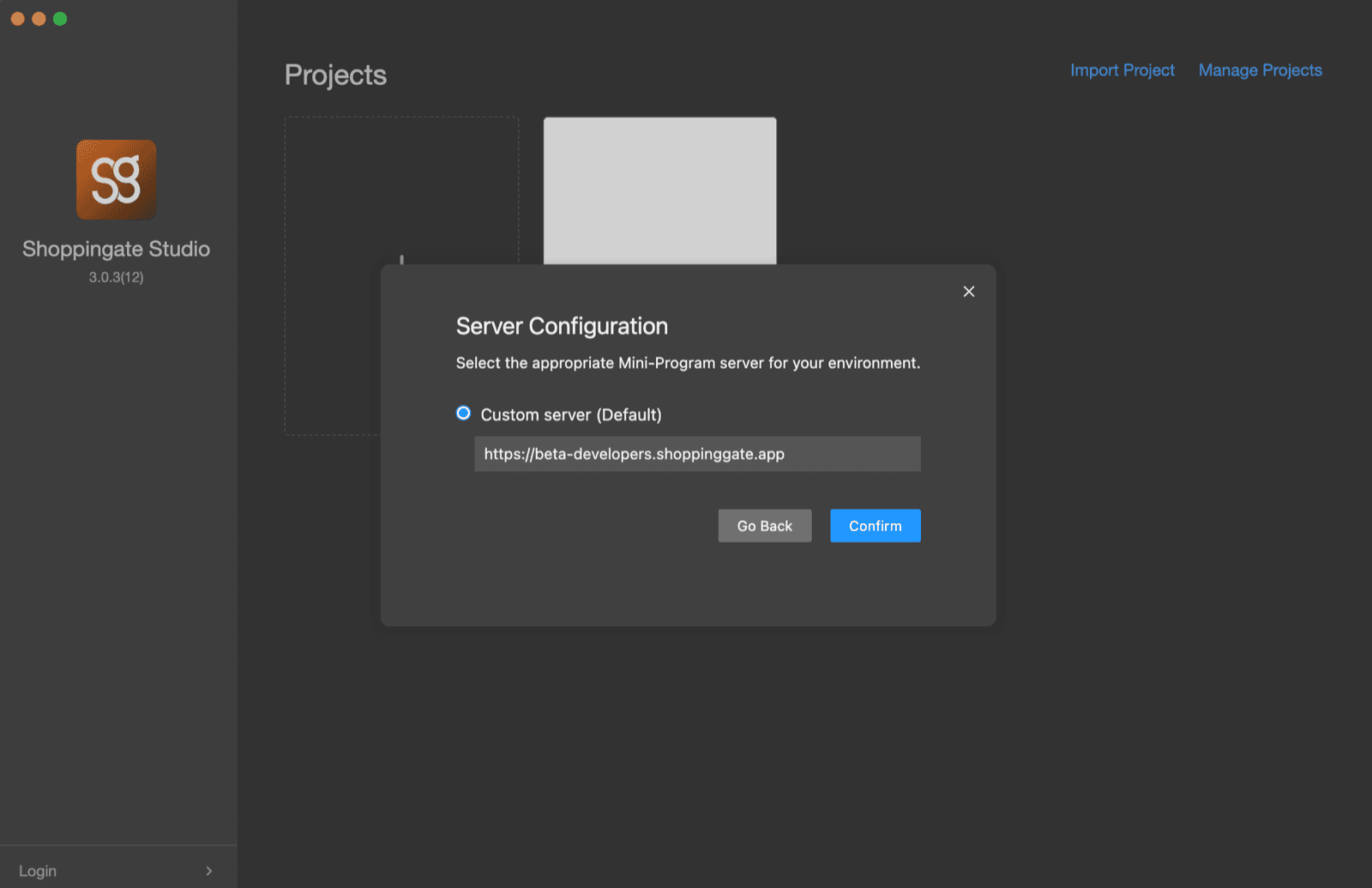
The server is set to production by default. While you are developing, change it to the development server, then click Confirm:
https://beta-developers.shoppinggate.app   // development — use this while you build
https://developers.shoppinggate.app        // production (the default)
3. Log in
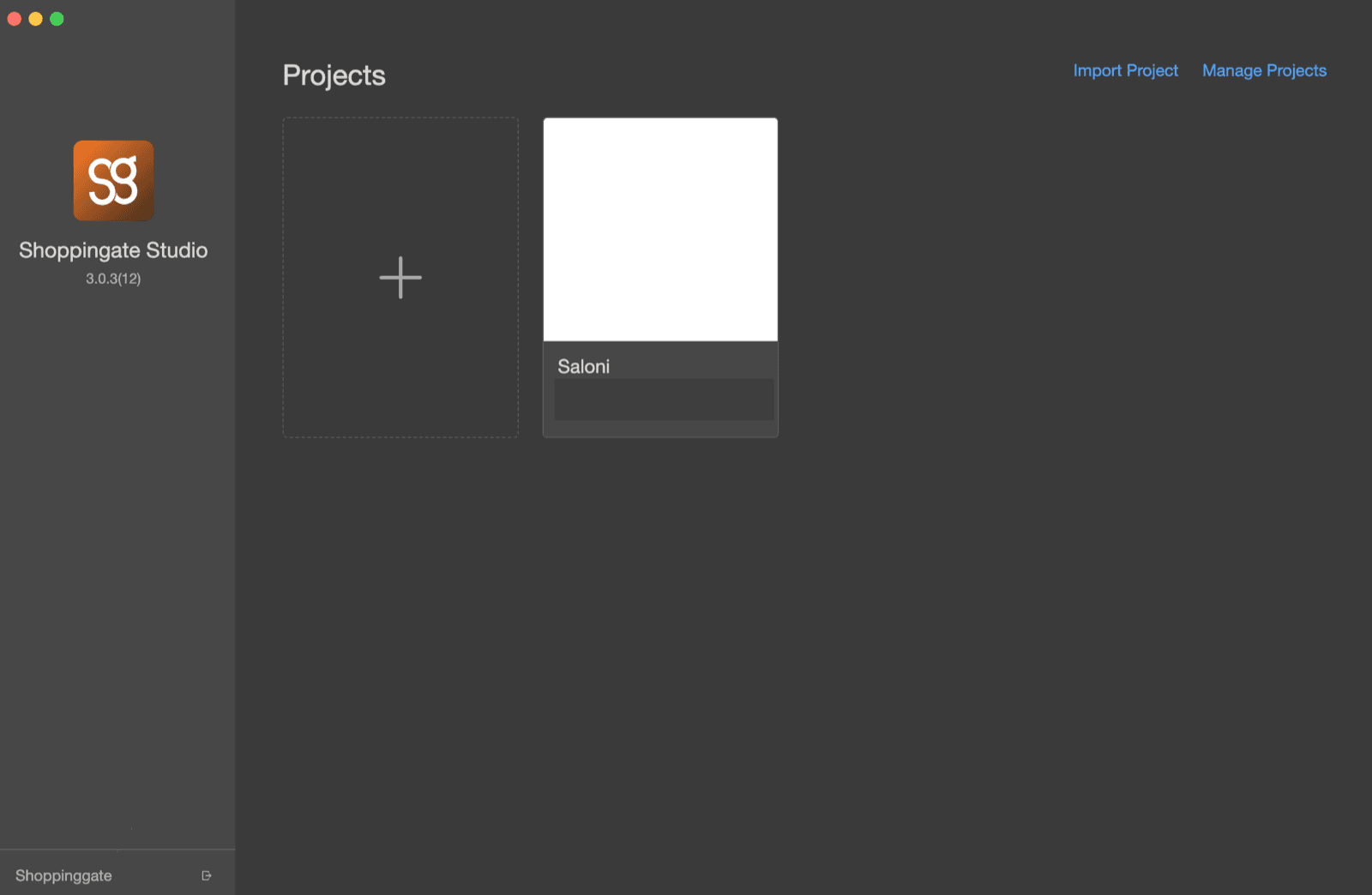
Enter the email and password of your Dev portal account and click Log in. Once you are logged in, your account name shows in the lower left corner.
Use your Dev portal account. SG Studio uses the same accounts as the Dev portal. Collaborators you invited to your organization can log in too, with their own Dev portal accounts.